Speaky throws real IELTS Speaking questions at you, times your answers like the real exam, and records every word so you can hear yourself get better.
Out now on the App Store for iPhone, iOS 16.4 or later. Android is in the works.
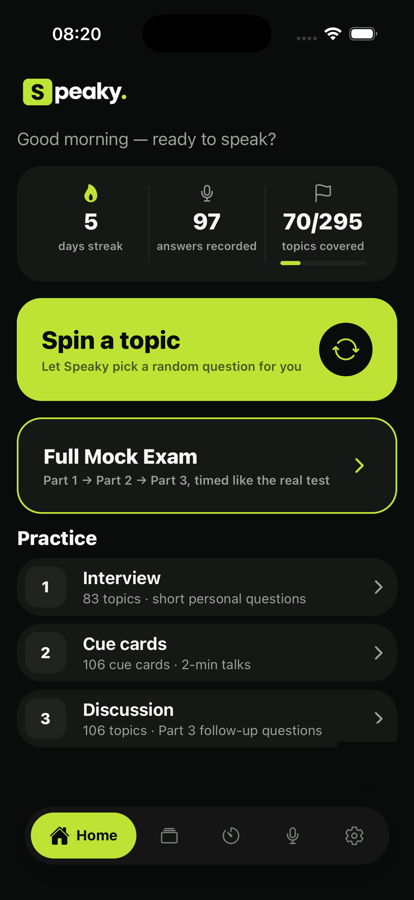
No generic prompts. Speaky is built around the real structure of the IELTS Speaking test — and makes sure you're always talking, not just reading.
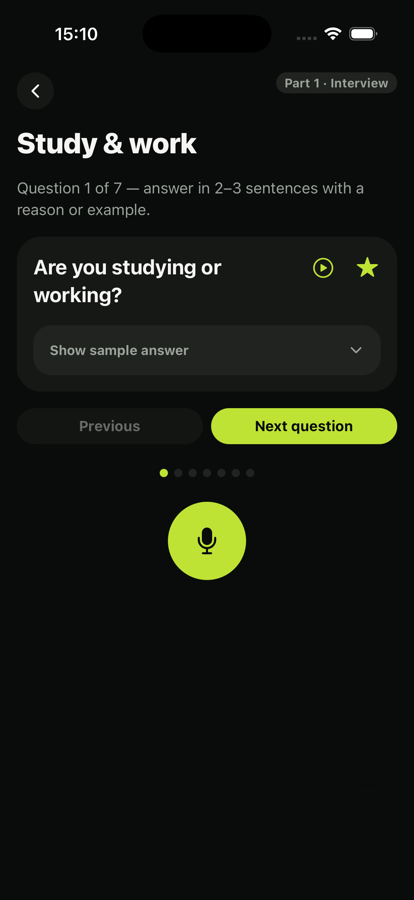
83 Part 1 interview topics, 106 Part 2 cue cards, and 106 Part 3 discussion topics — organized exactly like the real test, with a Spin button when you want Speaky to pick for you.
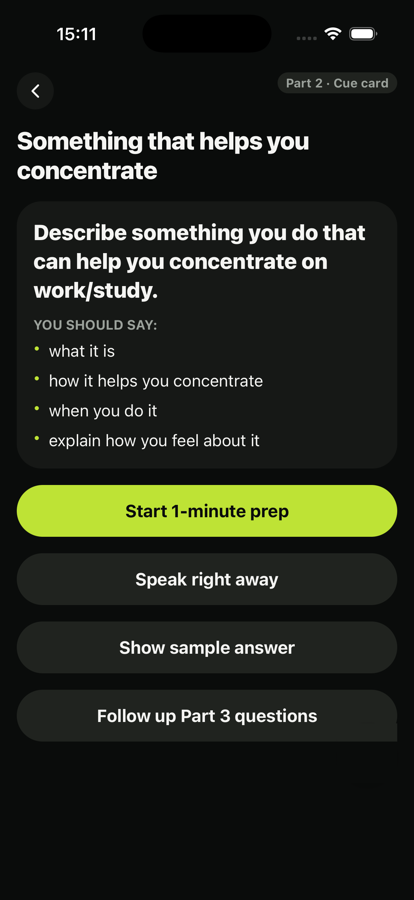
Take your 1-minute cue card prep, speak for up to 2 minutes, then roll straight into Part 3 follow-ups — or run a full mock exam, Part 1 through Part 3, back to back.
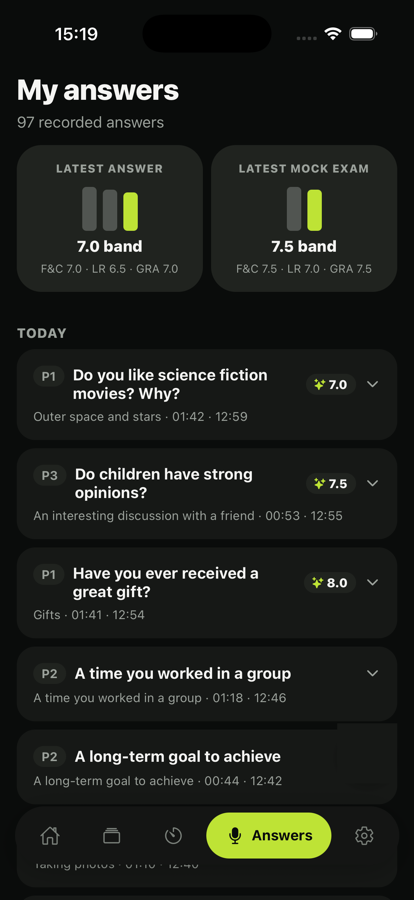
Speaky records the moment you start talking and keeps every take. Play answers back, build a daily streak, and watch your topics-covered count climb.
Choose Part 1, 2, or 3 — or tap Spin and let Speaky choose a random question for you.
Prep if you need to, then record yourself answering out loud, exactly like the real exam.
Listen back, compare against sample answers, and watch your streak and coverage grow every day.
Yes — every question, the Spin feature, and practicing itself are always free. Tokens (see Pricing) unlock AI evaluation, transcription, full mock exams, and sample answers, spent only when you use those features.
No — you can browse and practice without one. Creating a free account just lets you keep your progress and token balance tied to your email instead of a single device.
On your device. Recordings live in your phone's local storage by default, so they stay private and available offline. Choosing to AI-evaluate or transcribe an answer sends just that recording to OpenAI to generate a result, which isn't stored on our servers — see our Privacy Policy for details.
Yes. The question bank is cached on your device after the first launch, so you can keep practicing without an internet connection.
Not yet. Speaky is out now on the App Store for iPhone; an Android version is in the works. Message us on Telegram and we'll let you know when it lands.
More questions? Visit Support.
 Speaky